
Recover Deleted Photos and Files: Save Your Lost Memories
Lost important photos or files? Recover them in an instant!
What do you want to do?
Whether it’s an accidental tap or a system glitch, losing important files can feel like a nightmare.
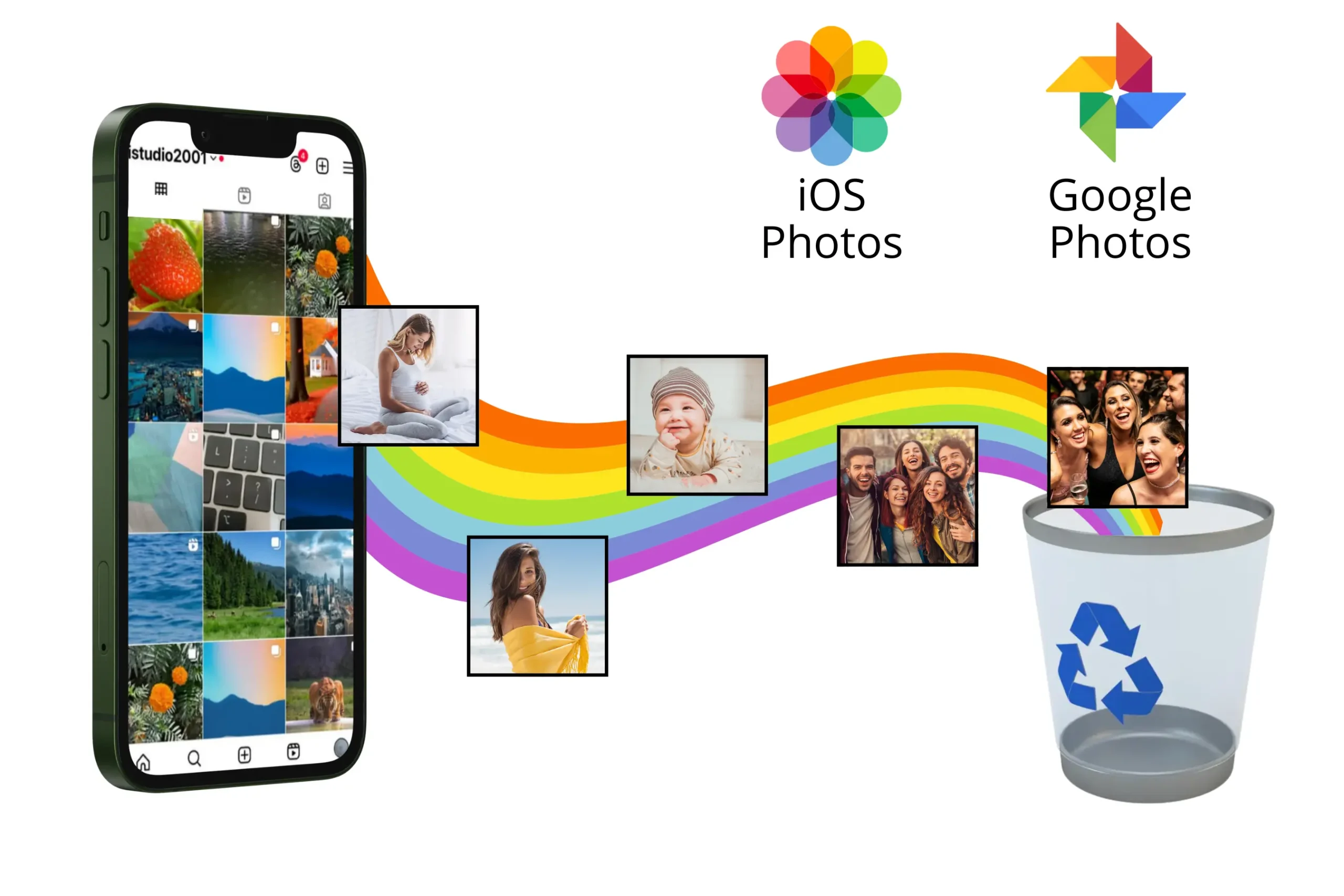
But don’t worry—the good news is that in most cases, photos, videos, and documents don’t disappear forever!
In fact, it’s often possible to recover deleted files, and the best part is, you don’t need to be a tech expert to do it.
There are effective ways to bring your photos back, and in this article, we’ll show you everything you need to know about it.
If you’ve accidentally deleted something important, don’t stress. You’ll learn that your files can still be recovered, and we’ll explain how the process works.
Do Files Really Disappear Forever?
Many people think that once a photo or file is deleted, it’s gone for good.
But the truth is, in most cases, it stays stored in the system for a while until it’s overwritten by new data.
This means that the faster you act, the higher your chances of recovery.
The key is to avoid saving new files on your phone or computer and follow the right steps to retrieve your photos and documents.
Why Are Photos and Files Deleted?
Before we dive into recovery, it’s important to understand the main causes behind file loss:
🔹 Accidental deletion: One wrong tap, and that precious photo is gone!
🔹 Device formatting: If you’ve restored your device to factory settings, you may have lost all your files.
🔹 Virus attacks or system errors: Some glitches can corrupt or delete files without warning.
🔹 Memory card or hard drive issues: Physical or logical damage can make data inaccessible.
🔹 Updates or system bugs: Sometimes, after an update, files may “disappear” but remain hidden in storage.
Regardless of the cause, knowing that there’s a solution already brings a huge sense of relief, right?
Where Do Deleted Files Go?
When you delete a file, it doesn’t disappear immediately.
In many cases, it moves to the Recycle Bin (on your computer) or the Deleted Items folder (on your phone).
But what if it’s not there? Well, the files remain on the device’s storage until new data overwrites them.
This is why the sooner you start the recovery process, the better the results.
For smartphones, many brands have their own “trash” for deleted photos, allowing you to restore them within 30 days.
However, if that time frame has passed, there are still options for retrieving your images and documents.
What to Do Before Attempting File Recovery?
If you’ve deleted a file and want to maximize your chances of recovering it, follow these tips:
✅ Stop using the device: The more you use your phone or PC, the more new files may overwrite the old ones.
✅ Don’t install anything new: If possible, avoid downloading apps or saving new photos until your data is recovered.
✅ Check your backups: Your files may be saved in the cloud without you realizing it!
✅ Avoid restarting the device: Sometimes, restarting can cause files to be overwritten.
Taking these precautions greatly increases your chances of success.
Is It Possible to Recover Deleted Photos from Your Phone?
Yes! Whether you’re using an Android or iPhone, there are effective ways to recover deleted photos. These include checking locations such as:
📁 Google Photos or iCloud: Many photos are automatically saved to these services.
🗑️ Deleted Items Folder: On some phone models, deleted photos stay available for up to 30 days before being permanently removed.
🔧 Recovery software and apps: There are tools that scan your device’s memory and can restore deleted files.
Often, the phone’s own system keeps temporary copies of files, and you can access them without external programs.
But when that doesn’t work, there are effective methods to bring your photos back.
➡️ Find Cheap and Promotional Flights
Can You Recover Deleted Files from Your Computer?
Of course! If you’ve deleted something from your PC, the first thing to do is check the Recycle Bin. If the file isn’t there, other options are available:
🔄 System restore: In some cases, Windows or macOS can restore previous versions of files.
💾 Automatic backups: Check if you have backups on OneDrive, Google Drive, or another cloud service.
🔍 Data recovery programs: Just like on your phone, there are specialized software tools that can recover deleted files.
And the best part? You can do all this without hassle!
What If the Memory Is Corrupted or Formatted?
Many people believe that once a phone, hard drive, or memory card is formatted, files are permanently gone. But, in reality, it’s still possible to recover them!
This happens because formatting only removes the “addresses” of the files, but the data remains until it’s overwritten.
If you’ve been through this, don’t worry. There are specific tools designed to recover files even after formatting.
Is File Recovery Worth It?
If you have photos from unforgettable moments, important documents, or videos that can’t be lost, recovering deleted files can be an invaluable solution.
Many people spend money on professional data recovery services without realizing that they could do it themselves, simply and effectively.
Plus, if you tend to delete files by mistake, it’s worth developing the habit of keeping automatic backups in the cloud. This prevents future headaches and ensures your photos and documents are always safe.
Tips to Prevent File Loss in the Future
Now that you know file recovery is possible, how about preventing it from happening again? Here are some valuable tips:
📂 Enable automatic backups: Use Google Photos, iCloud, Google Drive, or OneDrive to save important files.
🔄 Make regular backups: If you have an external hard drive, use it to store essential documents.
🛡️ Protect your device from viruses: Install reliable antivirus software to avoid unexpected file loss.
🚫 Don’t delete files without checking first: Before deleting anything, make sure you really don’t need the file.
By following these simple precautions, you significantly reduce the risk of losing important files in the future.

Your Photos Can Be Recovered!
Whether it’s a family photo, an important document, or a special video, losing files can be distressing.
But as we’ve seen, the chances of recovery are high—provided you act quickly and use the right tools.
The good news? There are solutions that can help you recover photos and files easily and quickly.
So, if you want to know exactly how to recover photos and files, it’s worth checking out what we’ve prepared for you!
