
The rise of OLED QHD displays among PC gaming enthusiasts
廣告
OLED QHD displays have officially claimed the throne as the undisputed sweet spot for modern PC gaming enthusiasts, blending unmatched pixel response speeds with immaculate contrast levels.
As GPU architectures reach unprecedented heights in rasterization power and AI-driven frame generation, competitive gamers and visual enthusiasts alike are rapidly abandoning traditional LCD panels to embrace this panel evolution.
High-refresh-rate 1440p QD-OLED and WOLED panels deliver instantaneous 0.03ms response times alongside infinite contrast ratios, solving the historical dilemma between high-speed esports fluidity and breathtaking cinematic fidelity.
This transformation represents a fundamental shift in desktop display engineering, setting a new benchmark for competitive setups worldwide.
What You Will Find in This Guide
- Why Modern PC Gamers Are Choosing OLED QHD Displays Over 4K Panels
- What Makes 1440p Resolution the Perfect Sweet Spot for High Frame Rates?
- How Does Self-Emissive Display Tech Eliminate Motion Blur and Ghosting?
- Why Is Color Depth and HDR Performance Superior on OLED Panels?
- How 1440p OLED Displays Transform Real-Time Gaming Performance
- How Do Instantaneous Response Times Impact Competitive Gameplay?
- What Is the Practical Difference Between QD-OLED and WOLED Technologies?
- Why Do Modern GPUs Maximize Efficiency at Quad HD Resolutions?
- What to Consider Before Purchasing an OLED QHD Gaming Monitor
- How Have Modern Burn-In Protection Algorithms Matured in 2026?
- What Are the Essential Desktop Calibration Settings for Gamers?
- Why Do Subpixel Layouts and Text Clarity Matter for Daily Work?
- Comparison Matrix: Display Technologies at a Glance
- The Future Benchmark of Enthusiast Desktop Gaming
- 常見問題解答
Why Modern PC Gamers Are Choosing OLED QHD Displays Over 4K Panels?
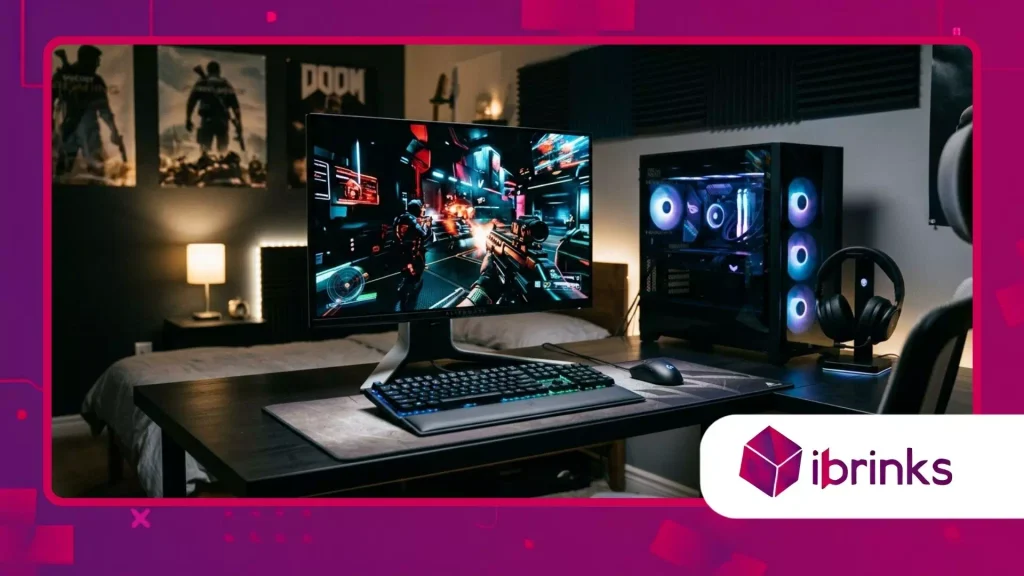
What Makes 1440p Resolution the Perfect Sweet Spot for High Frame Rates?
Quad HD resolution hits the exact balance required to maximize high-refresh-rate gaming monitors without overwhelming graphic hardware.
廣告
Pushing native 4K resolution at 240Hz or 360Hz requires massive computational overhead, whereas 2560×1440 allows modern graphics cards to sustain maximum frame rates consistently.
Gamers achieve ideal pixel density on standard 27-inch desktop setups while keeping input latency at absolute minimums.
Competitive players leverage this specific resolution to maintain rock-solid frame times during intense battle royale skirmishes and fast-paced tactical shooters.
By choosing OLED QHD displays, enthusiasts bypass the severe performance penalties of higher resolutions while enjoying pristine image sharpness.
The resulting performance stability ensures smoother tracking, tighter motion controls, and reduced rendering bottlenecks across all modern AAA titles.
How Does Self-Emissive Display Tech Eliminate Motion Blur and Ghosting?
Traditional LCD displays rely on LED backlights that push light through liquid crystals, causing persistent motion blur and trailing artifacts due to physical transition delays.
Self-emissive subpixels switch individual light states instantly, eliminating the need for aggressive overdrive modes that create inverse ghosting.
Each individual pixel turns entirely off to produce true black levels, preventing light bleed across high-contrast visual edges.
According to research published by DisplayMate Technologies, organic self-emitting displays deliver true pixel response times under 0.03 milliseconds, outperforming conventional IPS panels by more than a hundredfold.
This absolute hardware speed means moving targets remain razor-sharp during high-speed camera swipes, providing an immediate tactical edge in fast-action competitive environments.
另請閱讀: RGB鍵盤軟體及自訂指南
Why Is Color Depth and HDR Performance Superior on OLED Panels?
HDR quality relies heavily on local contrast dynamic range rather than peak brightness numbers alone.
While backlight-assisted LCDs suffer from noticeable halo effects around bright objects, organic panels deliver per-pixel dimming precision across the entire panel.
Deep pitch blacks contrast sharply against highlighted effects like laser fire, explosions, and vivid environmental sunlight.
Color accuracy benefits immensely from quantum-dot layers and advanced organic emitters that cover over 98% of the DCI-P3 color space.
Gamers experience rich, lifelike color volume without washed-out highlights or crushed shadow detail. Every frame renders with authentic depth, pulling players directly into visually immersive open-world environments.
How 1440p OLED Displays Transform Real-Time Gaming Performance?
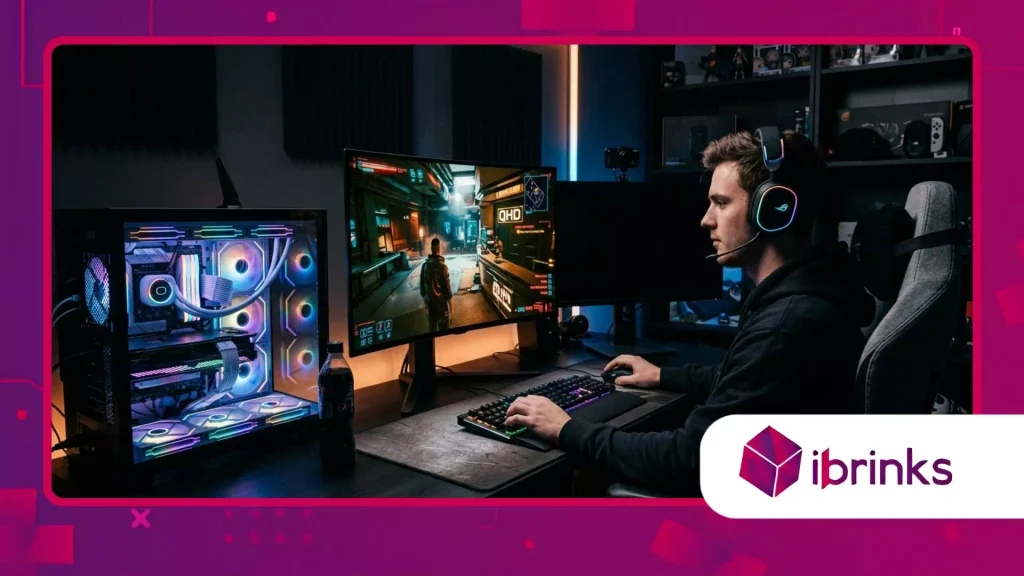
How Do Instantaneous Response Times Impact Competitive Gameplay?
Visual feedback loops dictate competitive success in fast-paced esports titles where milliseconds determine match outcomes.
The instantaneous pixel transitions of modern gaming displays eliminate motion smear, allowing human eyes to track moving targets with extreme clarity.
Aim tracking becomes noticeably more intuitive when frames render without trailing shadows or smearing artifacts.
Player precision improves significantly when visual cues sync perfectly with physical mouse movements.
利用 OLED QHD displays ensures that frame transitions match raw hardware output without artificial smoothing or display processing lag.
The resulting clarity lets gamers react faster to subtle peripheral movements across complex multiplayer arenas.
閱讀更多: 兼顧散熱和美觀的最佳PC機箱
What Is the Practical Difference Between QD-OLED and WOLED Technologies?
Quantum Dot OLED (QD-OLED) panels utilize blue light emitters passed through quantum dot layers to produce vibrant primary colors with exceptionally wide color gamuts.
White OLED (WOLED) panels incorporate a white subpixel alongside traditional filters to boost brightness levels while maintaining structural longevity.
Both panel variations deliver sub-millisecond response speeds and true pitch blacks, though their visual characteristics differ slightly in illuminated environments.
QD-OLED excels in delivering vivid saturation levels across mid-tone colors, making cinematic scenes pop with realistic intensity.
WOLED panel structures often feature specialized anti-reflective surface coatings, making them particularly effective at mitigating glare in bright rooms.
Selecting between these two cutting-edge panel variants depends primarily on ambient room lighting and user color preferences.
Why Do Modern GPUs Maximize Efficiency at Quad HD Resolutions?
Current graphics processing architectures achieve optimal frame scaling when rendering games at 1440p resolutions. Ray tracing features, path tracing pipelines, and AI frame generation algorithms require immense memory bandwidth at ultra-high resolutions.
Operating at Quad HD preserves GPU memory overhead, allowing hardware to push higher ray-tracing quality settings without sacrificing overall fluid motion.
System balance remains crucial for enthusiast PC builds aiming to maintain consistent frame delivery during demanding gameplay sessions.
Pairing high-end GPUs with 1440p panels avoids thermal throttling and excessive power draw associated with native 4K rendering. The display panel becomes a perfect catalyst for uninhibited, ultra-smooth gaming performance.
What to Consider Before Purchasing an OLED QHD Gaming Monitor?
How Have Modern Burn-In Protection Algorithms Matured in 2026?
Early iterations of self-emitting panel technology raised legitimate concerns regarding image retention and static element burn-in.
Panel manufacturers have addressed these risks by engineering multi-layered cooling systems, dynamic pixel shifting, and background pixel refresh cycles.
These real-time maintenance routines execute automatically during standby periods, continuously preserving panel health without user intervention.
Integrated heat dissipation layers keep operational temperatures low across the entire screen area, mitigating organic element degradation.
Screen care software actively detects static desktop elements like taskbars or HUDs, subtly dimming localized areas to preserve uniform pixel aging.
Modern hardware warranties now routinely include multi-year burn-in coverage, reflecting strong manufacturer confidence in display reliability.
What Are the Essential Desktop Calibration Settings for Gamers?
Achieving optimal image reproduction requires selecting correct color space profiles and adjusting dynamic HDR parameters within the operating system.
Disabling unnecessary video processing filters preserves raw input speed, keeping frame presentation perfectly synchronous with GPU output.
Setting panel refresh rates to their maximum rated values ensures full exploitation of high-speed panel capabilities.
Calibrating Windows HDR settings prevents highlight clipping while maintaining true shadow depth across darker game scenes.
Gamers should also configure ambient light sensors and auto-dimming features to fit their personal room environments.
投資於 OLED QHD displays yields maximum visual fidelity when hardware settings align precisely with content production standards.
Why Do Subpixel Layouts and Text Clarity Matter for Daily Work?
Early panel generations used non-standard subpixel arrangements that sometimes caused slight color fringing along high-contrast text edges in desktop applications.
Recent panel revisions feature refined subpixel structures that drastically improve font rendering and crispness for desktop productivity.
Users can comfortably read long documents, edit code, or browse web pages without experiencing visual fatigue.
Thinking of a gaming monitor solely as a entertainment screen overlooks its daily versatility as a primary productivity hub.
Modern subpixel scaling algorithms integrated into desktop operating systems complement these hardware improvements seamlessly.
The display seamlessly bridges the gap between high-performance gaming sessions and demanding daytime work tasks.
Technical Comparison: Panel Performance Across Gaming Displays
| 特徵/指標 | Traditional IPS LCD | Modern WOLED | High-End QD-OLED |
| Pixel Response Time | 1.0 ms – 4.0 ms | 0.03 ms | 0.03 ms |
| Native Contrast Ratio | 1,000:1 | Infinite ($\infty$:1) | Infinite ($\infty$:1) |
| Motion Clarity Index | Moderate (Blur Present) | Exceptional (Zero Trailing) | Exceptional (Zero Trailing) |
| Color Gamut Coverage | 95% sRGB / 85% DCI-P3 | 98.5% DCI-P3 | 99% DCI-P3 / 90% Rec.2020 |
| HDR Local Dimming | Edge-Lit / Limited Zones | Per-Pixel Self-Emissive | Per-Pixel Self-Emissive |
The New Standard for Desktop Gaming Excellence
The rapid evolution of desktop display technology has officially established Quad HD self-emissive monitors as the definitive benchmark for enthusiast PC gaming.
By combining instantaneous pixel response times with infinite contrast and ideal resolution scaling, these displays solve the traditional trade-offs between competitive performance and visual immersion.
Gamers no longer need to sacrifice frame rates for image quality, as modern hardware delivers uncompromised performance across every genre.
收養 OLED QHD displays elevates the entire desktop experience, offering a transformative visual upgrade that redefines how games are played, viewed, and enjoyed.
What display technology currently powers your setup, and are you planning to upgrade soon? Share your thoughts and experiences in the comments below!
常見問題解答
Why is 1440p preferred over 4K for high-refresh-rate gaming?
Quad HD provides an optimal balance between high pixel density and manageable GPU performance demands.
Pushing frame rates above 240Hz at 1440p requires significantly less computing power than 4K, allowing gamers to maintain higher, more consistent frame rates in fast-paced titles.
Can burn-in occur on current generation organic displays?
While image retention remains a physical characteristic of self-emissive panels, modern monitors feature advanced protection suites like pixel cleaning, thermal heatsinks, and automatic brightness dimming.
These hardware and software safeguards make burn-in highly unlikely under normal gaming and desktop usage.
Do I need a specific graphics card to use a 1440p OLED display?
To fully utilize high refresh rates like 240Hz or 360Hz at 1440p, a modern mid-to-high-tier graphics card is recommended.
DisplayPort 1.4 with Display Stream Compression (DSC) or HDMI 2.1 outputs are required on your GPU to output uncompressed high-refresh HDR signals.
What is the main difference between QD-OLED and WOLED panels?
QD-OLED uses quantum dot technology to produce highly saturated colors and vibrant highlights across wide color gamuts.
WOLED uses an additional white subpixel with specialized panel filters, which helps maintain high screen brightness and reduce ambient room reflections.
How do response times on these monitors compare to traditional LCDs?
Organic panels switch pixel states in roughly 0.03 milliseconds, which is over a hundred times faster than typical fast-IPS gaming screens.
This virtually eliminates motion ghosting, trailing, and overshoot artifacts, providing unmatched visual clarity during rapid screen movement.
