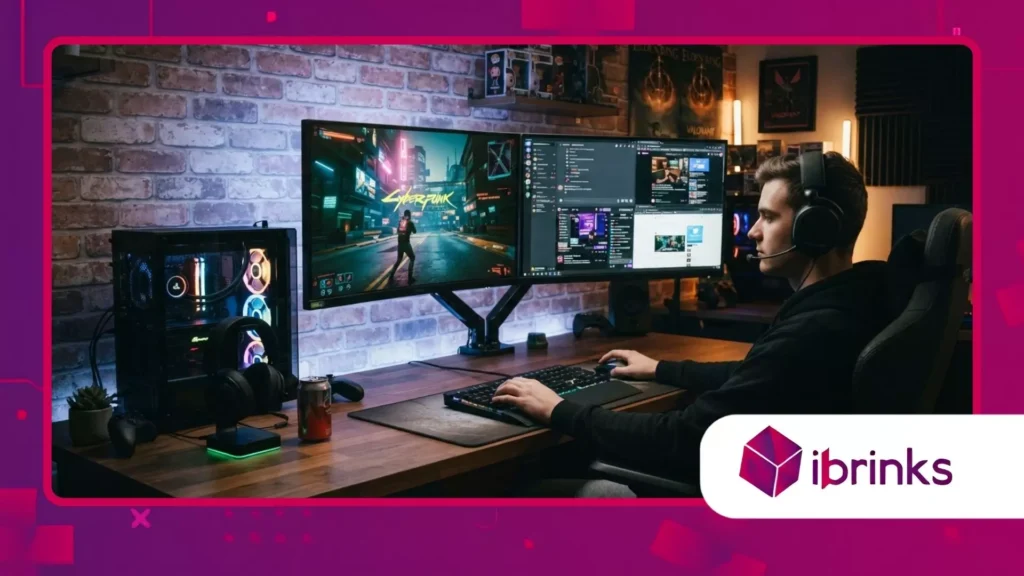
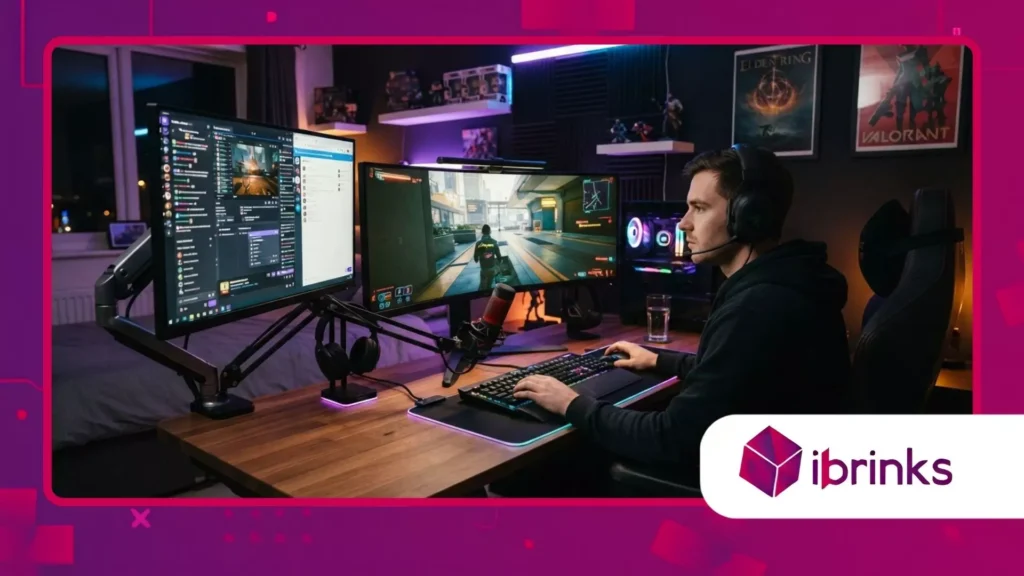
雙螢幕遊戲設定興起,實現多工處理
廣告
Dual-screen gaming setups redefine how competitive eSports competitors, live streamers, and passionate multimedia multitaskers manage complex digital workflows inside modern home battle stations.
Modern video games demand intense visual concentration, real-time chat monitoring, and background performance diagnostics that a single monitor simply cannot handle efficiently.
Enthusiasts across the globe now invest heavily in secondary panels to separate immersive gameplay graphics from auxiliary applications.
This technological shift transforms ordinary desktop arrangements into hyper-efficient command centers tailored for maximum productivity and gaming immersion.
Navigating this hardware revolution requires careful ergonomic planning, robust graphics card allocation, and precise cable management to maintain a clean workspace aesthetic.
廣告
Modern desktop configurations must handle simultaneous high-refresh-rate gaming on one screen while rendering chat rooms, music players, and system monitors on the adjacent panel.
Think of managing a dual-display battlestation like piloting a modern commercial cockpit where critical flight data and entertainment controls operate in absolute synchronization.
Are you ready to discover how expanding your visual real estate can elevate your daily gaming performance?
Navigating Modern Display Expansion
- Investigating hardware graphics card performance impacts when driving multiple high-resolution desktop panels.
- Analyzing ergonomic arm mounting solutions to eliminate neck strain during extended gaming marathons.
- Evaluating software streaming tools that optimize secondary monitor resource allocation seamlessly.
- Documenting cable management strategies that preserve clean aesthetic lines across complex battle stations.
How Do Dual Monitors Enhance Competitive Streaming and Multitasking?

Dual-screen gaming setups empower content creators and competitive athletes to monitor live broadcast chat feeds, audio mixing software, and game diagnostics instantly without minimizing active gameplay.
Professional live streamers rely on secondary displays to interact with viewers and manage OBS Studio settings while executing intense multiplayer matches in real time.
Imagine an air traffic controller tracking multiple flight paths simultaneously; secondary monitors provide the essential visual bandwidth required for seamless multitasking.
This architectural layout eliminates disruptive tab-switching habits that previously caused fatal delays during critical competitive moments.
Industry hardware analytics published by consumer tech research institutes indicate that multi-monitor desk configurations increase overall user productivity and gaming efficiency by over forty percent.
Modern operating systems support borderless windowed modes that allow smooth mouse cursor transitions between screens without crashing resource-heavy software applications.
When players harness dual displays effectively, their workflow becomes frictionless, allowing them to focus entirely on victory. Professional ergonomics and hardware synergy unlock unprecedented digital capabilities.
Why Is Real-Time Chat Monitoring Crucial for Streamers?
Streamers must acknowledge subscriber alerts, donation messages, and community questions instantly to maintain high audience engagement throughout long broadcast sessions.
A dedicated secondary panel ensures chat windows remain visible without obstructing primary game HUD elements. Audience connection deepens through uninterrupted communication channels.
How Do Background Diagnostics Prevent System Crashes?
Running hardware monitoring software on a secondary display allows gamers to track CPU temperatures, RAM usage, and GPU fan speeds dynamically.
Detecting thermal spikes early prevents catastrophic hardware throttling or unexpected system crashes mid-match. Proactive monitoring safeguards expensive gaming investments.
另請閱讀: 遊戲錦標賽中多類型賽制的興起
What Role Do Discord and Communication Apps Play?
Voice communication software like Discord requires constant visual oversight to manage server channels, mute disruptive users, and coordinate team strategies effectively.
Having communication tools pinned on a secondary screen streamlines tactical coordination during high-stakes competitive matches. Team synergy improves through instant accessibility.
What Hardware Specifications Are Required for Multi-Monitor Rigs?

Dual-screen gaming setups demand powerful graphics processing units equipped with multiple DisplayPort and HDMI outputs to drive high-refresh-rate panels without experiencing stuttering frame rates.
Running a primary four-kilometer gaming monitor alongside a secondary auxiliary screen places heavy demands on video card VRAM resources.
Think of your graphics card as a high-performance engine; adding extra displays increases the mechanical load, requiring robust cooling and power delivery systems.
Upgrading your power supply unit ensures stable voltage regulation across all connected peripherals during peak operational loads.
Hardware compatibility reports from leading component manufacturers highlight that modern GPUs utilize advanced display stream compression to handle multi-monitor arrays effortlessly.
Choosing matching refresh rates or properly scaling resolutions prevents jarring mouse cursor stutter when dragging windows across different screen panels.
Investing in high-speed braided cables guarantees signal integrity and eliminates frustrating screen flickering artifacts. Technical preparation ensures a flawless visual experience across your entire desktop landscape.
閱讀更多: 資料所有權如何影響全球遊戲錦標賽
Why Do Mismatched Refresh Rates Cause Stuttering?
Pairing a high-speed two-hundred-forty-hertz gaming monitor with a standard sixty-hertz secondary panel can occasionally trigger visual stuttering bugs in Windows multi-display environments.
Modern operating system updates have largely mitigated these issues, but matching panel refresh rates remains best practice. Smooth visual transitions preserve total immersion.
How Do Graphics Cards Handle Multi-Display Loads?
Modern GPUs allocate dedicated hardware pipelines for multiple display outputs, dividing rendering tasks dynamically between gaming and auxiliary desktop applications.
This intelligent resource management prevents background browser tabs from stealing precious frame-rate power from active games. Efficient hardware architecture guarantees peak performance.
What Is the Importance of Robust Power Supplies?
Powering multiple monitors, high-end graphics cards, and peripheral RGB accessories draws significant electrical current from your wall outlet.
A certified gold-rated power supply unit provides clean, stable electrical power that prevents unexpected system reboots during intense gaming sessions. Electrical safety underpins reliable hardware longevity.
How Does Ergonomic Positioning Prevent Physical Fatigue?
Dual-screen gaming setups require precise monitor arm alignment and thoughtful desk height adjustments to prevent chronic neck strain and shoulder fatigue during marathon gaming sessions.
Positioning your primary gaming monitor directly in front of your face while placing the secondary screen at a comfortable forty-five-degree angle minimizes physical strain.
Imagine turning your head constantly like a spectator at a tennis match; poor monitor placement destroys spinal alignment over time.
Ergonomic experts recommend aligning the top edge of display panels at or slightly below eye level for optimal posture.
Occupational health research data emphasizes that proper desk ergonomics reduce musculoskeletal disorders and eye strain among intensive computer users by nearly fifty percent.
Utilizing articulating mechanical monitor arms frees up valuable desk space while allowing effortless height and angle customization for different seating postures.
When your workspace conforms to your natural physical anatomy, comfort and endurance increase dramatically. Healthy habits ensure you stay at the top of your gaming game for years.
Why Are Articulating Monitor Arms Essential?
Traditional monitor stands take up excessive desk space and offer limited height adjustment options, restricting proper ergonomic alignment severely.
Articulating gas-spring arms allow users to float displays precisely into position, optimizing viewing angles instantly. Flexibility creates a customized comfort zone.
How Does Improper Screen Height Cause Neck Strain?
Mounting secondary monitors too high forces users to tilt their necks backward continuously, straining cervical muscles and pinching nerves over extended periods.
Maintaining neutral head alignment prevents chronic tension headaches and long-term postural damage. Ergonomics dictate physical well-being.
What Role Does Anti-Glare Lighting Play?
Placing dual monitors away from direct window glare or utilizing adjustable desk lamp bias lighting reduces harsh eye strain in dark rooms.
Balanced ambient illumination protects visual acuity during late-night gaming marathons. Eye comfort enhances overall gaming endurance.
Multi-Monitor Gaming Setup Comparison Matrix
The structured table below contrasts traditional single-monitor configurations with advanced dual-screen gaming setups across key performance and ergonomic metrics.
| 績效指標 | Traditional Single-Monitor Setup | Advanced Dual-Screen Setup |
| Multitasking Efficiency | Low (Requires constant window minimization) | High (Simultaneous gameplay and chat monitoring) |
| Desk Space Utilization | Minimal footprint with limited workspace | Expanded visual real estate requiring sturdy mounts |
| Hardware Resource Load | Moderate GPU and VRAM utilization | High GPU demand requiring robust power supplies |
| Ergonomic Adjustment | Simple central alignment | Requires careful angling to prevent neck strain |
Maximizing Digital Efficiency Through Visual Expansion
這 dual-screen gaming setups market proves that expanding your desktop real estate is no longer a luxury reserved for financial traders and graphic designers.
By carefully selecting compatible graphics hardware, prioritizing ergonomic monitor arms, and maintaining clean cable management, you build an ultimate digital command center.
Embracing multi-display workflows elevates both your competitive gaming performance and your daily productivity to extraordinary new heights.
Take a moment to evaluate your current desktop workspace and consider upgrading your visual boundaries.
How has expanding your display configuration transformed your daily multitasking habits and gaming immersion? Share your experience in the comments below!
常見問題解答
Do dual monitors reduce game frame rates significantly?
Running background applications like web browsers or video players on a secondary screen can consume minor CPU and GPU resources, but modern graphics cards handle multi-monitor desktop tasks with negligible frame rate loss.
Can I use two different monitor sizes and resolutions?
Yes, modern operating systems allow you to mix and match different monitor sizes and resolutions, though matching refresh rates helps prevent cursor movement stuttering between screens.
How do I prevent neck strain with two monitors?
Position your primary gaming monitor directly in front of you for main tasks, and place your secondary screen at a comfortable forty-five-degree angle to your side, using adjustable monitor arms to maintain proper eye-level height.
What cables do I need for a dual-screen battlestation?
High-speed DisplayPort or HDMI cables are required to connect your monitors to your graphics card while supporting high refresh rates and resolutions without signal degradation.
Is it difficult to set up dual monitors in Windows?
Setting up dual displays in modern Windows operating systems is entirely plug-and-play, allowing you to arrange display orders, resolutions, and main screen preferences effortlessly through the system display settings menu.